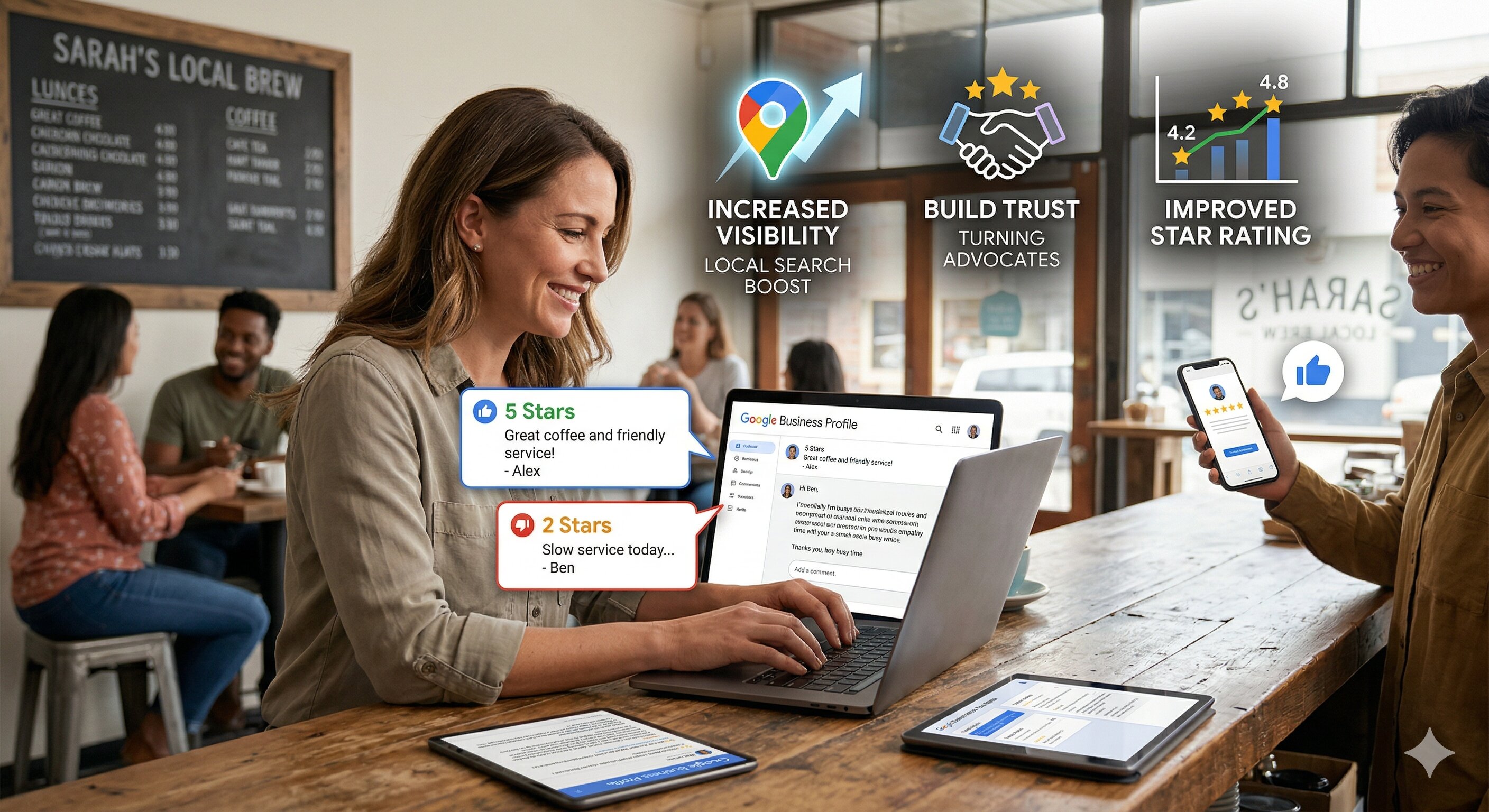
Use Employee Mentions in Reviews to Boost Staff Performance

Online reviews don’t just shape how customers see your business—they also reveal how they experience your team. When customers mention employees by name, they hand you specific, real-world feedback you can use to improve staff performance, morale, and retention. Managed well, employee mentions in reviews become a continuous coaching loop that drives better service and a stronger reputation.
Why Employee Mentions in Reviews Are a Goldmine for Small Businesses
Most small businesses look at star ratings and overall comments, but skip over the most powerful signal: which employees customers remember and why. Employee mentions in reviews show exactly who is delighting customers and where service is breaking down. That’s more precise than any customer satisfaction survey and far more authentic.
A common mistake is treating every review as “good” or “bad” without digging into who was involved. When that happens, top performers don’t get recognized and struggling team members don’t get targeted support. For example, a 5-star review that says “The food was great” is useful, but “Marcus went above and beyond to fix a mistake with my order” is actionable. The correct approach is to treat every employee mention as a mini case study you can learn from.
Another error is assuming reviews are only about marketing and not about operations. Reviews are a live feedback loop on how training, staffing, and culture show up at the front line. Smart owners use this data not just to improve their Google rating, but to refine scripts, processes, and expectations for staff performance.
How to Track and Categorize Employee Mentions Across Review Sites
Many businesses try to manually scan reviews for names, then quickly give up because it’s too time-consuming. That leads to missed patterns and inconsistent follow-up. If you want to systematically improve staff performance, you need a repeatable way to track and categorize employee mentions in reviews across platforms like Google, Yelp, Facebook, and industry-specific sites.
The first mistake is not having a standard way employees introduce themselves to customers. If staff use nicknames or never share their name, customers either guess or skip mentioning them altogether. The better approach is to encourage a simple, consistent introduction: “Hi, I’m Maria, I’ll be taking care of you today.” This makes it easier to match reviews to specific employees later.
The second mistake is keeping review data in random spreadsheets or email threads. That makes it impossible to see trends over time. Instead, set up a simple categorization system, whether inside a review management software platform or a structured spreadsheet. At minimum, track:
- Employee name mentioned
- Review site (Google, Yelp, etc.)
- Sentiment (positive, neutral, negative)
- Theme (speed, friendliness, product knowledge, follow-through, etc.)
- Example quote from the review
Over time, this lets you see who consistently earns praise, who needs coaching, and which behaviors drive higher ratings. It also makes it easier to understand how to increase Google rating by focusing on the specific service attributes that customers reward with 5-star feedback.
Best Practices for Responding to Positive and Negative Employee Mentions
How you respond to reviews that mention employees sends a strong signal to both customers and your team. A thoughtful Google review reply can reinforce good behavior, repair damaged trust, and show your staff that leadership pays attention to their work.
A frequent mistake is using generic, copy-paste responses for every review, including those with employee names. That feels robotic to customers and misses a chance to spotlight your team. Instead, mention the employee by name in your response when appropriate: “We’re thrilled to hear that Jasmine made your visit memorable. We’ll be sure to share your feedback with her and the team.” This validates the employee in public and encourages others to deliver similar service.
Another common misstep is getting defensive when you respond to negative reviews about staff. Arguing with a customer, blaming them, or calling out an employee publicly can make a bad situation worse and demoralize your team. A better bad review response template for employee-related issues looks like this:
- Acknowledge the experience: “We’re sorry your interaction with our team didn’t meet expectations.”
- Take responsibility: “This isn’t the level of service we aim for.”
- Protect the employee’s dignity: Avoid publicly disciplining or naming the person if the review is highly negative.
- Move offline: “We’d like to learn more and make this right. Please contact us at [email] so we can address this directly.”
If you struggle with wording, using a free AI review response generator can help you respond to negative reviews quickly while staying calm and professional. Just make sure to personalize the draft so it reflects your voice and your team’s reality.
Using Reviews to Coach, Train, and Reward Your Team
Reviews are often read once and forgotten, which wastes a powerful training resource. Every employee mention is a real-world example of what your team did right or wrong in a specific situation. Turning those examples into coaching moments is one of the fastest ways to level up performance.
One mistake is using negative reviews only as a “gotcha” tool. Calling an employee into the office just to read a bad review to them creates fear, not improvement. A more effective method is to use a balanced approach: share both positive and negative mentions in one-on-one meetings or team huddles. Highlight what went well, then discuss what could be done differently next time.
Consider building simple training activities around recent reviews:
- Role-play exercises: Recreate a negative review scenario and practice a better response.
- Story sharing: Ask the employee mentioned in a positive review to explain what they did and why it worked.
- Micro-lessons: Turn recurring themes (like “slow response” or “confusing communication”) into short training modules.
Another error is not celebrating positive mentions loudly enough. When an employee is named in a glowing review, recognize them publicly in team meetings, internal chats, or on a staff bulletin board. This shows that customer feedback matters and that great service gets noticed, which encourages others to aim for similar recognition.
Turning Review Insights Into KPIs, Bonuses, and Recognition Programs
Employee mentions in reviews should do more than make people feel good or bad—they should connect to measurable goals. When you tie review feedback to KPIs and rewards, staff begin to see the direct link between their daily behavior and the company’s reputation.
A major mistake is using only overall star rating as a performance metric. That’s too broad and doesn’t reflect individual contributions. Instead, consider tracking:
- Number of positive mentions by employee over a period of time
- Improvement in sentiment for employees who previously had negative mentions
- Specific behaviors highlighted in reviews (e.g., “explained options clearly,” “followed up promptly”)
These metrics can then feed into bonuses and recognition programs. For example, you might offer a monthly award for “Most Positive Mentions,” or give a small bonus for every five 5-star reviews that call out an employee by name. This not only encourages better service but can also contribute to how to increase Google rating in a sustainable, ethical way.
Be careful, though, not to create a culture where staff beg customers for reviews or pressure them at checkout. That can backfire and lead to awkward experiences. The better approach is to set clear service standards, train to those standards, and let reviews become a natural reflection of consistently excellent service, supported by gentle, ethical review requests.
Tools and Automations to Streamline Employee-Focused Review Management
Trying to manage all of this manually—monitoring reviews, spotting names, drafting responses, tracking trends—quickly becomes overwhelming. That’s where the right tools and automations come in. A solid review management software platform can centralize reviews, flag employee mentions, and help you respond at scale.
One mistake is relying solely on email alerts from each review site. Those notifications are easy to miss or ignore, and they don’t give you a unified view. Instead, look for tools that can:
- Pull reviews from all major sites into a single dashboard
- Use keyword or AI-based detection to highlight employee names
- Suggest responses, including a tailored Google review reply for both positive and negative feedback
- Export data so you can analyze patterns by employee, location, or time period
Another misstep is ignoring automation for fear it will sound robotic. Automation doesn’t have to mean generic. Used well, AI can draft personalized responses that mention employees, acknowledge specific details, and maintain your brand voice. You stay in control by reviewing and approving replies before they go live, while saving hours each week.
As you refine your employee-focused review strategy, continue learning from others’ experiences and expert advice. Browse more review management tips to stay ahead of trends and keep improving how your team engages with customer feedback.
Conclusion: Turn Employee Mentions Into a Performance Advantage
Employee mentions in reviews are one of the most underused assets in small business operations. When you track them carefully, respond thoughtfully, and feed those insights into coaching, KPIs, and recognition, reviews stop being a source of stress and become a strategic advantage. Customers feel heard, employees feel valued, and your online reputation improves as a result.
ReviewLogic AI helps small businesses put this into practice by centralizing reviews, highlighting employee mentions, and generating smart, on-brand responses in seconds. If you’re ready to respond to negative reviews more effectively, recognize your top performers, and turn feedback into growth, explore our tools and try our free AI review response generator to get started.