
Remove Fake Google Reviews in 2025: Legal & AI-Safe Steps
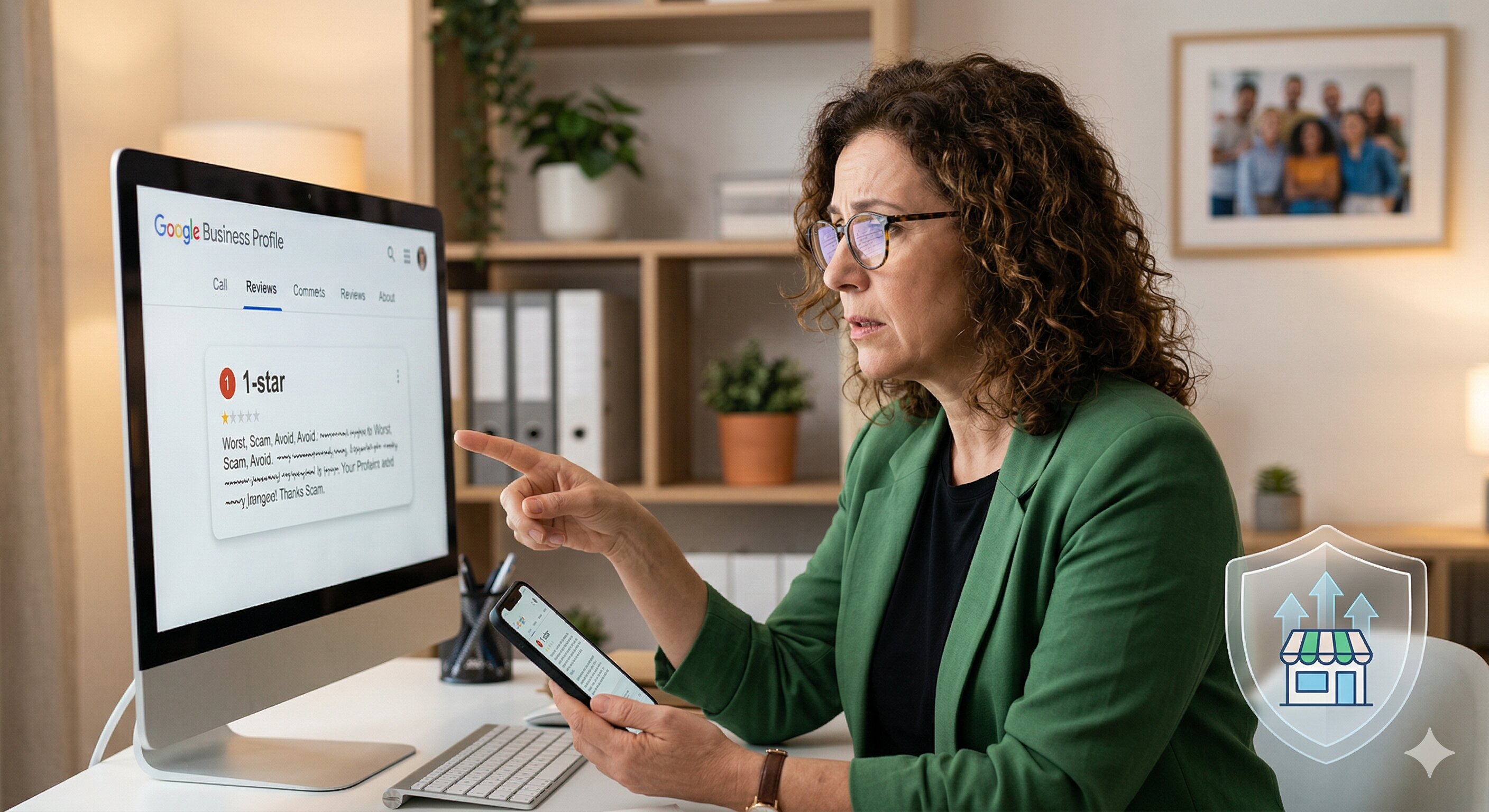
Fake Google reviews can tank your rating, scare away customers, and feel completely unfair. In 2025, AI-generated spam and coordinated attacks are making the problem worse, but there are still clear, legal, and effective ways to fight back. With the right process and tools, you can remove fake Google reviews, respond professionally, and protect your reputation long term.
1. Understand Why Fake Google Reviews Are Getting Worse in 2025
Fake reviews aren’t new, but several trends are making them more common and more sophisticated this year. Generative AI tools make it easy for bad actors to spin up dozens of believable reviews in minutes. That means small businesses are seeing more sudden drops in their Google rating from clusters of suspicious reviews.
There’s also more competition for local search visibility. Some unethical competitors pay for fake negative reviews to push others down the map pack. At the same time, legitimate customers expect a near-perfect Google rating before they choose a business, so a few fake 1-star reviews can have an outsized impact on revenue.
Google continues to improve its spam detection systems, but it’s a constant arms race. The platform removes millions of fake reviews each year, yet many still slip through. That makes it critical to know how to respond to negative reviews, especially when they’re false or misleading, and how to work with Google’s systems instead of against them.
2. Learn How to Spot a Fake Google Review (Red Flags & Examples)
Before you can remove fake Google reviews, you need to confidently identify which ones are likely fraudulent. Not every harsh review is fake, and reporting legitimate criticism can backfire. Focus on clear red flags that suggest the reviewer never interacted with your business or is acting in bad faith.
Common red flags in suspicious reviews
- No record of the customer: You cannot find any matching appointment, order, or customer record, even after checking multiple systems.
- Vague or generic details: The review complains in broad terms (“worst service ever”) without specific dates, staff names, or services.
- Copy-paste patterns: Similar wording, grammar, or phrases across multiple reviews, sometimes posted within hours or days of each other.
- Reviewer profile issues: Brand-new accounts, no profile photo, or accounts that left only 1-2 reviews—all negative and scattered across the country.
- Wrong business details: The review mentions products, services, or locations you don’t offer (e.g., “They ruined my haircut” when you run an auto shop).
- Coordinated timing: A sudden wave of 1-star reviews following a dispute, policy change, or conflict with an ex-employee or competitor.
Example: Likely fake review
“Worst place ever. Total scam. They stole my deposit and refused to refund me. Avoid at all costs.”
- No date, no staff name, no service details.
- Your records show no deposits taken on that date or from that name.
- The profile was created the same day and has only this review.
Compare that to a tough but likely real review:
“I booked a 2pm appointment on March 3rd for a brake inspection. I waited almost an hour before anyone saw my car. Staff were polite, but the delay was frustrating.”
This review has specific details you can verify and should be treated as genuine feedback, even if it hurts.
3. Follow a Step-by-Step Process to Report and Remove Fake Google Reviews
Removing fake Google reviews in 2025 requires a methodical, policy-aligned approach. Google will not delete a review just because it’s negative; it must violate content policies. Your job is to document the violation clearly and submit a focused report.
Step 1: Document the suspicious review
Before you do anything on Google, capture evidence. This helps if you need to escalate later or consult legal counsel.
- Take screenshots of the review, including date and reviewer name.
- Export or note internal records showing no matching customer or transaction.
- Document patterns (e.g., “5 similar reviews posted within 24 hours”).
Step 2: Check the review against Google’s policies
Google typically removes reviews that involve:
- Spam and fake content
- Conflicts of interest (e.g., competitors, ex-employees posting as customers)
- Harassment, hate speech, or threats
- Off-topic content unrelated to an actual experience
Align your complaint to one or two clear policy violations. Avoid emotional language; focus on facts.
Step 3: Flag the review from your Google Business Profile
- Sign in to Google Business Profile with the owner or manager account.
- Go to the “Reviews” section for the relevant location.
- Find the suspicious review, click the three-dot menu, and select “Report review” or “Flag as inappropriate”.
- Choose the most accurate reason (e.g., “Spam” or “Conflict of interest”).
This sends the review into Google’s moderation queue. Response times vary, but many cases are reviewed within several days.
Step 4: Submit a detailed appeal if needed
If the review is not removed after flagging, use the more formal dispute options:
- From your Google Business Profile support options, choose to contact support about reviews.
- Provide a concise explanation of why the review violates policy.
- Attach supporting documentation when allowed (e.g., “We have no record of this person as a customer”).
Stay factual and avoid guessing motives. Statements like “This appears to be a competitor” are stronger if you can show the reviewer’s name matches a known rival or ex-employee.
Step 5: Involve legal counsel only when necessary
Some fake reviews cross into defamation or harassment. In those rare cases, consult an attorney experienced in online reputation or business law. They can advise on sending a formal letter or using legal removal processes where appropriate.
Never threaten reviewers publicly, and avoid posting legal threats in your responses. That can violate Google’s policies and damage your reputation with real customers.
4. Use AI Reply Templates for Suspicious or Fake Google Reviews
While you’re working to remove fake reviews, you still need to post a professional response. This reassures potential customers who read your reviews and shows you know how to respond to negative reviews calmly and constructively.
Here are AI-safe, legally cautious templates you can adapt. Each one avoids admitting fault while signaling that the situation is under review.
Template 1: No record of the customer
“Thank you for taking the time to share your feedback. We’ve looked into our records and unfortunately can’t find any visit or transaction that matches your name or the details in your review. We take concerns like this seriously and would like to learn more. Please contact us at [phone/email] with the date of your visit and the name on your reservation so we can investigate further.”
Template 2: Suspected spam or off-topic
“We’re committed to providing a great experience for every customer, and we’re concerned to see your review because we’re unable to connect it to any interaction with our business. This platform is intended for feedback based on real customer experiences, and we’ve asked Google to review this comment for accuracy. If you have visited us, please reach out directly at [phone/email] so we can address your concerns.”
Template 3: Possible competitor or ex-employee
“We value honest feedback from customers who have used our services. After reviewing our records, we’re unable to verify any visit under the information provided. Because of this, we’ve requested that Google review this post to ensure it meets their guidelines. If you are a customer and we’ve missed something, please contact us at [phone/email] so we can look into the situation.”
Template 4: Mixed review with some false claims
“We’re sorry to hear your experience didn’t meet expectations. Some details in your review don’t match our records or current policies, but we never want a customer to leave unhappy. Please contact [manager name] at [phone/email] with the date and details of your visit so we can review what happened and work toward a resolution.”
Template 5: Coordinated review attack
“We’ve recently seen a sudden increase in negative reviews that don’t match our customer records or in-person feedback. We take this seriously and have reported these comments to Google for review. Our team remains focused on providing the same level of service our long-term customers know us for, and we encourage anyone with a genuine concern to contact us directly at [phone/email].”
To speed this up at scale, consider using a free AI review response generator that can customize these templates based on tone, situation, and your brand voice while staying compliant with platform policies.
5. Recover Your Google Rating After Fake Reviews Hit
Even when you successfully remove fake Google reviews, the damage can linger. Some reviews may remain, and your rating might not bounce back immediately. A proactive strategy to rebuild trust is essential, especially if you’re wondering how to increase Google rating after a hit.
Step 1: Stabilize your response strategy
Respond to every new review—positive, neutral, or negative—within a reasonable time frame. Consistent, thoughtful responses show prospective customers that you’re engaged and accountable.
- Thank happy customers and highlight specifics from their review.
- Address legitimate complaints with empathy and a clear next step.
- Handle questionable reviews with the neutral templates above.
Step 2: Encourage more real reviews (the right way)
The most powerful way to dilute the impact of fake reviews is to increase your volume of genuine, positive feedback. Avoid any tactics that violate Google’s policies, such as incentives for 5-star reviews or review gating.
- Ask at natural moments: after a successful service, follow-up call, or resolved support ticket.
- Make it easy: share a direct review link in emails, receipts, and SMS (where compliant).
- Train staff to say: “If you found our service helpful, a quick Google review really helps local customers find us.”
Over time, a steady stream of real feedback will push fake negative reviews further down, improving both your rating and the overall impression prospects get when they scan your profile.
Step 3: Showcase your best reviews elsewhere
Don’t rely on your Google listing alone to tell your story. Feature strong customer testimonials on your website, social media, and email campaigns. This helps counter any lingering doubts from a few bad reviews.
Consider:
- Adding a “What our customers say” section to your homepage.
- Sharing standout reviews weekly on social channels.
- Including recent 5-star quotes in proposals and sales materials.
6. Put Tools and Processes in Place to Prevent Future Fake Review Attacks
One fake review is frustrating; a coordinated attack can be devastating. The goal isn’t just to react faster but to build a system that detects, responds, and recovers with minimal disruption.
Build an internal review response playbook
Create a simple, written process your team can follow whenever a suspicious review appears. This keeps your responses consistent and reduces panic when issues arise.
- Step-by-step checklist: How to verify customer records, capture evidence, and flag the review.
- Pre-approved templates: AI-safe responses for different scenarios (no record, policy violation, mixed complaint).
- Escalation rules: When to involve a manager, owner, or legal counsel.
Review and update this playbook at least twice a year to reflect Google’s latest policies and any new patterns you’re seeing.
Use review management software to monitor and respond
Manual monitoring works when you have a handful of reviews each month, but it breaks down as your business grows. Modern review management software can centralize feedback from Google and other platforms, alert you to new comments, and help you respond faster.
- Set up instant notifications for 1-star and 2-star reviews.
- Use built-in templates or AI to draft responses while keeping a human final review.
- Track trends over time, such as review volume, average rating, and response speed.
When evaluating tools, look for features that support compliance, such as guardrails against aggressive language and options to log internal notes about suspected fake reviews.
Train your team on reputation awareness
Everyone who interacts with customers can influence your online reputation. Brief staff on how reviews work, why fake reviews happen, and what they should (and shouldn’t) say.
- Teach frontline staff how to encourage authentic reviews without pressuring customers.
- Explain what to do if a customer threatens a bad review to get free services.
- Make it clear that employees should never post reviews about your own business.
A reputation-aware team reduces the risk of emotional responses, policy violations, and actions that could make a fake review situation worse.
Audit your reputation regularly
Schedule a monthly or quarterly review of your online presence. Look at your Google rating, recent reviews, response quality, and any patterns in feedback. This proactive habit helps you catch small issues before they become major problems.
For deeper guidance on building a sustainable reputation strategy, explore more review management tips that cover everything from response frameworks to customer feedback loops.
Conclusion: Take Back Control of Your Google Reputation
Fake Google reviews in 2025 are more sophisticated, but they’re not unbeatable. By learning how to spot red flags, following a clear process to report and remove fake Google reviews, and using thoughtful AI reply templates, you can protect your business and reassure real customers who are evaluating you online.
The businesses that win aren’t the ones with zero bad reviews—they’re the ones with a consistent, professional response strategy backed by the right tools. ReviewLogic AI helps small businesses monitor reviews, generate on-brand, AI-powered responses, and recover faster from unfair attacks. If you’re ready to turn review chaos into a manageable system, start by trying our free AI review response generator and build from there.